Shaded Larch Font
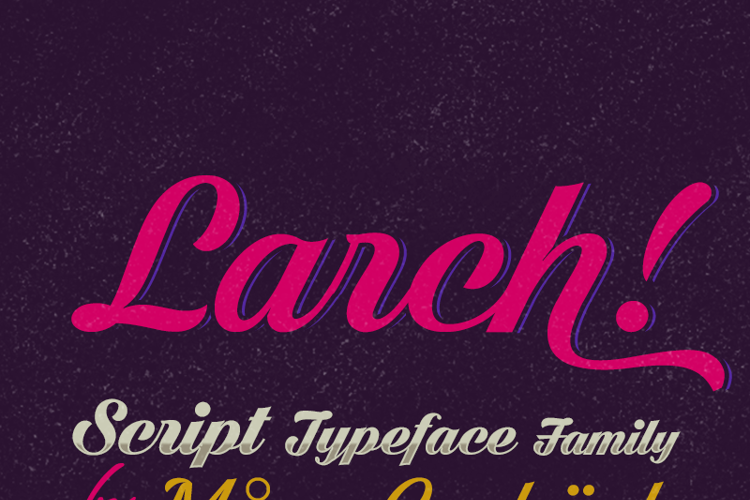

Designed by
Regular Style

More info from Måns Grebäck
NOTE: This font is for PERSONAL USE ONLY!
To purchase a commercial license, visit:
http://mn.sg/larch
Write # after any lowercase letter to make swashes!
You can also write % after the following letters to make left swashes:
b d f h i j k l t
Example: Sh#aded Larch%
For questions, please visit www.mn.sg/faq
Visit my website: http://www.mansgreback.com
Like my fonts on Facebook: http://www.facebook.com/mansgreback
License Info
Donations
Commercial licenses
Shaded Larch Font Stats
Shaded Larch Font is a Cursive font and was created on . Shaded Larch Font has been downloaded 433,762 times, added to 2,572 collections, and liked 34 times.
Shaded Larch Font was recently updated on Mar 13, 2020
Related Styles
Comments

perfect!

nice

nice font

Looking Good!

Wonderful site
I love this one Ty for your work. I
I really like the font but the "swash" instruction isn't working on this free version...i.e., # sign and % sign don't trigger anything

@eCanuck You need to have ligatures activated in the software you're using. It even works here in the preview on Fontspace.
In what software can you activate ligatures for this free version of the font? In Microsoft Word, that option is greyed out for the font. When I look at the character map there are no alternate glyphs. Thanks.
Sorry, I now found I can't get it to work in Microsoft Word but it does function in Photoshop Elements. Thanks.

Like it!