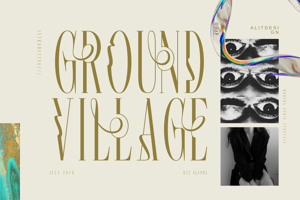
Qedysans Font
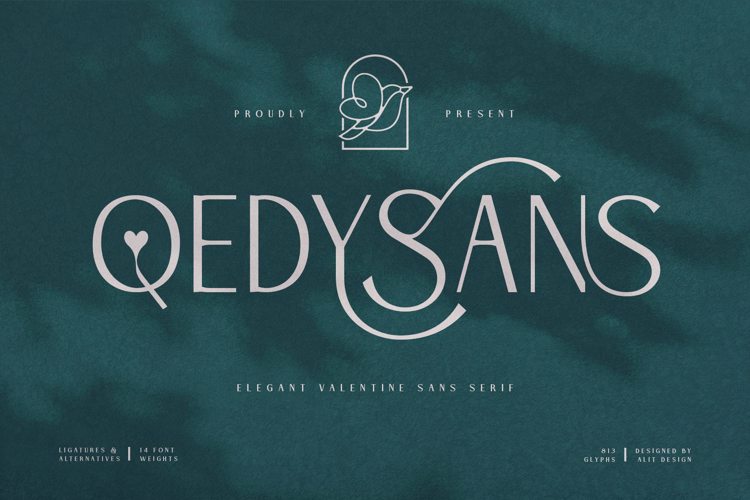

Designed by
Regular Style

More info from Alit Design
This is font Demo just for personal use, Not permitted for commercial use.
The donation is very appreciated.
Please check here for more info about the license:
https://alitdesign.net/license/
visit my website for full version and commercial use: https://alitdesign.net/
Link Download:
https://crmrkt.com/XPR4RJ
follow my Instagram to update my portfolio: https://www.instagram.com/alitdesign.studio/?hl=en
—————————————————————————————————————————————
ALL ACTIONS RELATING TO VIOLATIONS OF THE LAW, WILL BE PROCESSED WITH REFERENCE TO PDHI REGULATIONS. INCLUDING THE LICENSE RATES THAT APPLY AT PDHI.
Alit Design is member of Perkumpulan Desainer Huruf Indonesia (Indonesia Font Designers Association). SK Mentri Hukum dan HAM Republik Indonesia. Nomor: AHU-0000261.AH.01.07.Tahun 2020
License Info
Donations
Commercial licenses
Qedysans Font Stats
Qedysans Font is a Heart font and was created on . Qedysans Font has been downloaded 2,481 times, added to 73 collections, and liked 0 times.
Qedysans Font was recently updated on Jan 4, 2022

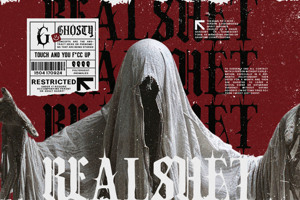
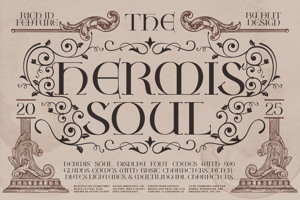

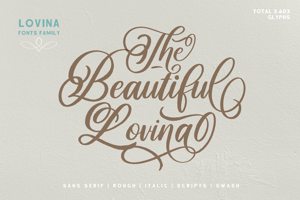
Update: Alit got in touch with me quickly and the files do include all of the expected information. I should have waited to post the previous comment and I have asked Fontspace to remove it. Please don't hesitate to purchase a font from Alit Designs, their work is beautiful and their customer service is very responsive.
While they are very responsive and the product is as advertised, I was still a bit confused about how to see the special characters word and why I saw the special S in the example file but not in the paid file. I eventually figured it out. I'm sharing what I figured out in hopes that my steep learning curve can benefit others.
What I figured out: The free TTF file is for the family of Regular text and it only includes one special character – S, and one glyph – Q. It does not include the standard S or standard Q. The special character, S and the glyph, Q display automatically in the free file. However, in the paid version, each file includes standard characters, special characters and glyphs for that family (thin, regular, heavy, etc.) of text. Only the standard characters will display automatically and the user can choose from the different versions of the letters to customize the text.
The special S and Q glyph will not display automatically as they did in the free file because those were only examples for demonstration purposes. This makes it seem like the paid files do not contain the expected special character, which is very unsettling. However, the paid file is much larger (150KB) than the free file (29KB) and it includes all of the information, but you have to take extra steps to access the special charters and glyphs.
In Microsoft Word the user needs to go to the Insert tab, select Symbols, select More Symbols and then select the Font. Once I did that I was able to find the special characters and glyphs.
Alit provided me with this link to explain how to find the special characters and glyphs in Adobe Illustrator: https://www.youtube.com/watch?v=Lw0BtgZTlxc&authuser=0.
It took me awhile to realize doing it this way makes sense as there are multiple versions of the same letters and it wouldn't make sense to have separate files for each category of special characters and glyphs for each of the 14 families of text (Thin to Heavy). It's already a lot of options for one font and once someone picks a family, they are likely to want all characters to match that family.
It's possible I have gotten something incorrect in my explanation and if so, I hope someone corrects me.